A shared book for left luggage
Room number in. Wall letter out.
Hold tells reception and the porter which lettered section has a room’s bags. Staff enter the room number, tap the wall letter where the bags are left, and find every bag when it is time to collect.
The wall stays the system. The phone is the index.
On a duty phone
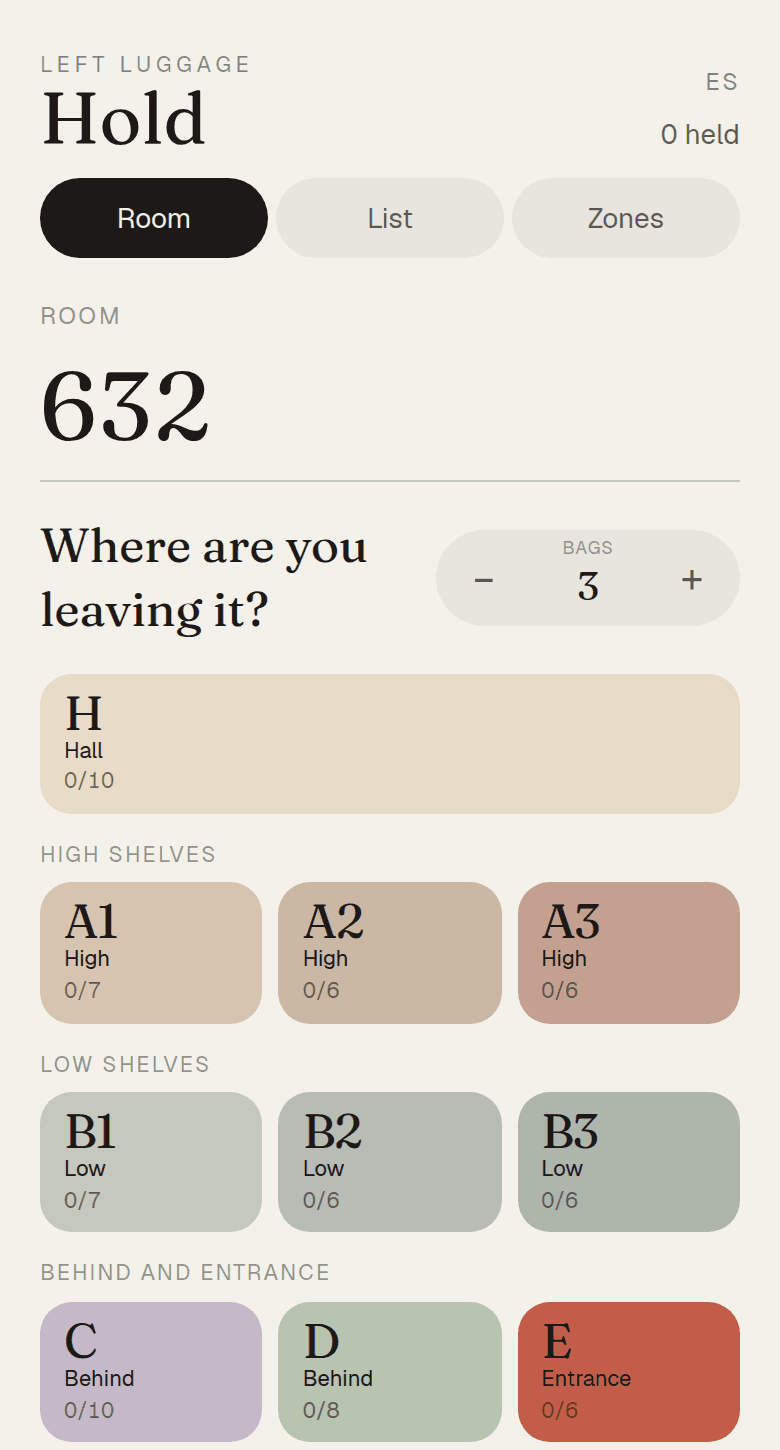
At the desk
The same way every time.
01
Leave
Enter the room number. Tap Leave. Tap the wall letter where the bags are left.
02
Find
Enter the room number and tap Find. Hold shows every letter for that room.
03
Collect
Bring every bag to the guest. Tap Collect after handover.